
To limit donor information stored in WordPress, review more than the visible donation form. A plugin may save submissions even when it also emails a notification, and donor details may be copied into inboxes, exports, backups, payment services, or other tools.
The goal is not to remove records your nonprofit genuinely needs. It is to collect only information that serves a defined purpose, decide where the official record belongs, and limit unnecessary copies and access. This practical review can help you reduce exposure without disrupting gift processing or donor service.
Start with a field-by-field review
Look at every field on the donation form, including optional fields, checkboxes, and information requested in free-text boxes. For each one, ask what task it supports and which system needs the answer.
- Gift processing: Keep the information needed to identify and process the gift through your chosen payment workflow.
- Acknowledgments: Keep the details your organization needs to prepare an appropriate acknowledgment. The IRS explains written acknowledgment considerations in its guidance for charitable organizations.
- Donor service: Ask for contact details or preferences only when they support a defined follow-up, communication, or account process.
- Optional context: Remove questions that do not have a clear use. Consider whether a broad comment box could invite donors to share personal details your organization does not need.
Mark each field as necessary, optional with a specific purpose, or unnecessary. If a field has no clear owner or workflow, remove it or make it optional. Check that required-field settings match the actual process, so donors are not asked for extra details simply because the plugin’s defaults request them.
Check what the donation plugin saves
An email notification is not proof that the plugin keeps no submission record. Review the plugin’s settings and documentation, then check its WordPress dashboard and data storage behavior. Look for settings that save entries, retain incomplete submissions, record donor notes, or keep form data after payment.
Confirm which fields are saved and whether the organization can turn off storage for fields it does not need. Some plugins may store submissions in WordPress while also sending email or passing details to another service. If the settings are unclear, ask the plugin provider what is retained, where it is stored, and how it can be deleted.
Review the complete path of a gift, not just the form page. Check for copies in:
- WordPress plugin entries and database records
- Notification emails, shared mailboxes, and email archives
- Downloaded spreadsheets, exports, and staff devices
- Payment services, donor-management tools, and accounting systems
- Server logs, integration logs, and backup copies
For each location, identify what data is present, who controls it, and whether it is needed. A simple data-flow note can make it easier to spot duplicate records and forgotten copies. For help testing the form’s behavior, see this guide to testing a nonprofit donation form.
Keep payment details out of WordPress
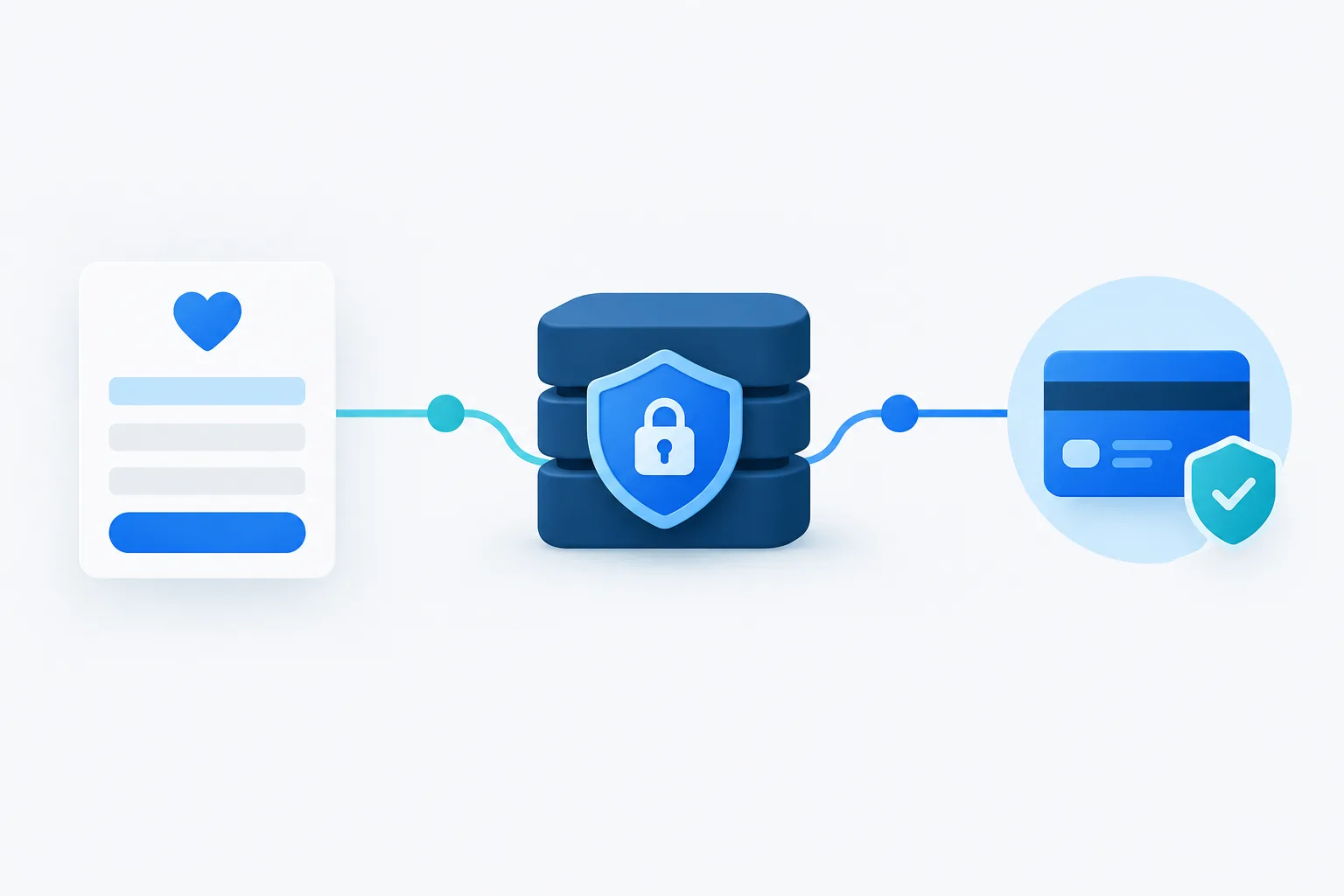
Where your workflow allows, use a payment provider’s hosted checkout or secure payment fields so card details are handled by the payment provider rather than stored in WordPress. Verify the actual setup instead of assuming that choosing a provider automatically prevents the website or plugin from saving payment data.
Review the donation plugin’s payment settings, integration method, and saved transaction details. Make sure the WordPress record contains only what your workflow needs, such as a transaction reference or payment status, rather than full card details. Do not store card verification codes after authorization. The PCI Security Standards Council FAQ explains the restriction on retaining this sensitive authentication data after authorization.
Ask both the payment provider and plugin provider what data they receive, retain, and expose to your team. Check their documentation and terms for retention, deletion, access controls, and any relevant responsibilities. If you are unsure whether a particular payment setup is appropriate, get guidance from the provider or a qualified security professional.
Set access and retention rules
Donor records should be available to the people who need them for their work, not automatically to every WordPress user. Review administrator and editor accounts, plugin-specific roles, and any integrations that can view or export submissions. Remove access that is no longer needed, and use individual accounts rather than shared logins so activity can be tied to the right person.
Decide which system is the official record for each purpose. For example, your nonprofit may use a donor-management or accounting system for its ongoing records, while WordPress is only part of the gift intake process. Document what should be copied to that system, who is responsible, and when excess WordPress entries should be removed.
Write a retention plan that answers practical questions: which records must remain for organizational operations, which copies are temporary, who approves deletion, and how backups and email copies are handled. Retention needs can depend on your nonprofit’s circumstances and obligations, so avoid choosing a timeline solely because it is a plugin default. Florida’s statute on security of confidential personal information is one source to review with qualified counsel when assessing applicable requirements.
Deletion takes more than removing a row from a plugin screen. Check exports, mailboxes, logs, connected services, and backup retention. Backups may not be editable like live records, so establish how expired copies are handled and how a deleted record would be treated if a backup is restored. Keep the process documented and test it without disrupting live donation processing.
Review the hosting and vendor setup
Donor data can pass through several vendors, including the website host, donation plugin, payment provider, email service, backup service, and donor-management platform. Confirm what each vendor handles and what controls are available for access, retention, deletion, and incident communication. Review the relevant terms and security information rather than relying only on a general statement that a service is secure.
For the WordPress site, check who can reach the server and database, how backups are protected, and whether logs or support workflows expose donor submissions. Keep plugins maintained and remove tools that are no longer used. A host’s protections matter, but they do not replace careful plugin settings, limited user access, and a clear data-retention process.
For related practical steps, read about managing WordPress user access and planning WordPress backups.
Frequently asked questions
What information does a nonprofit need to collect when someone makes an online gift?
Collect the information needed to process the gift, provide the acknowledgment or follow-up your workflow requires, and maintain the organization’s records. The right fields depend on your process. Remove fields that have no defined purpose.
Does WordPress keep donation form submissions after sending an email notification?
It may. Email delivery and database storage are separate behaviors. Check the donation plugin’s settings, documentation, and saved entries to confirm what happens on your site.
Can a nonprofit delete donor information from WordPress after a gift is processed?
It may be possible to delete unnecessary WordPress submissions, but first confirm which records your organization needs to retain. Also check copies in email, exports, logs, connected services, and backups.
Who should have access to donor records in WordPress?
Limit access to staff or providers who need it for a defined task. Review accounts and permissions periodically, remove access when it is no longer needed, and avoid shared logins.
What should a nonprofit check about its WordPress host and donation vendors?
Ask what data each provider receives and retains, who can access it, how deletion works, how backups are handled, and what security and incident processes are documented. Include the plugin, payment, email, and backup providers in the review.
Make donor data minimization an ongoing task
Reducing donor information stored in WordPress is a matter of aligning form fields, plugin settings, payment processing, user access, and retention with the nonprofit’s real workflow. Revisit the setup when a plugin, vendor, or donation process changes. If you need help reviewing WordPress storage, access, or backups, contact Zevonix to discuss your website management needs.